| Lasell College
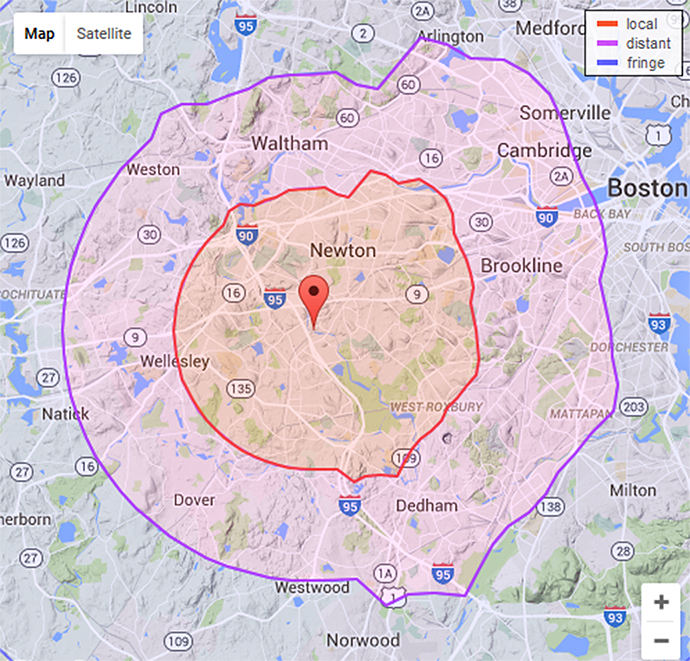
Radio should be accessible to both on-campus and off-campus
listeners by clicking a link below:
LCR on the go! Download the TuneIn app to stream LCR for Mobile Devices!
Mac users:
Just click the link above and then select "Stream in iTunes."
Linux users:
Stream link may indicate that libdvdcss is not installed.
Follow these directions
on how install libdvdcss. The libdvdcss files are primarily
intended for viewing DVDs, but also permit streaming audio
reception.
Still not working?
First, check to confirm your speakers are turned on and that
your sound card is working properly!
| If
you can't connect through the popup window, here's how
to tune in manually:
1. Open Windows
Media Player or RealPlayer and go to File > Open
URL or Open Location.
2. Copy the
line http://encoder2.lasell.edu:88/broadwave.m3u
and paste it in the Open field of the player.
3. Press
OK and within a few moments the player should begin
streaming our audio.
|
Experiment with
various media players and use the one that works best for
you! If you still have trouble tuning in or the station appears
to be off the air, please contact Dr. Wardyga at 617-243-2238.
Audio
Streamed by the BroadWave
Streaming Audio Server by NCH
Software
|